Platform Architect Story: Going from Default Workspace to White-Label HIPAA & SOC 2 Readiness
How CloudPulse Transformed Their Login Domain and Passed a Healthcare Security Audit in One Afternoon
Before launching to enterprise hospital networks, CloudPulse needed three things:
A completely white-labeled authentication URL (https://login.cloudpulse.io) so hospital doctors never saw a third-party domain during redirect.
Strict HIPAA session controls, a signed Business Associate Agreement (BAA), and geographical login restrictions blocking high-risk countries.
A Break-Glass emergency administrator policy and time-bound vendor support delegation tokens.
Opening /settings, CloudPulse's lead architect typed login.cloudpulse.io, clicked Auto-Connect with Cloudflare (POST /api/settings/tenant/auto-connect/cloudflare), clicked the HIPAA Compliance Preset (POST /api/compliance/apply-preset), and digitally countersigned the HIPAA BAA — completing the entire rollout in under 20 minutes.
1. General & Data Residency
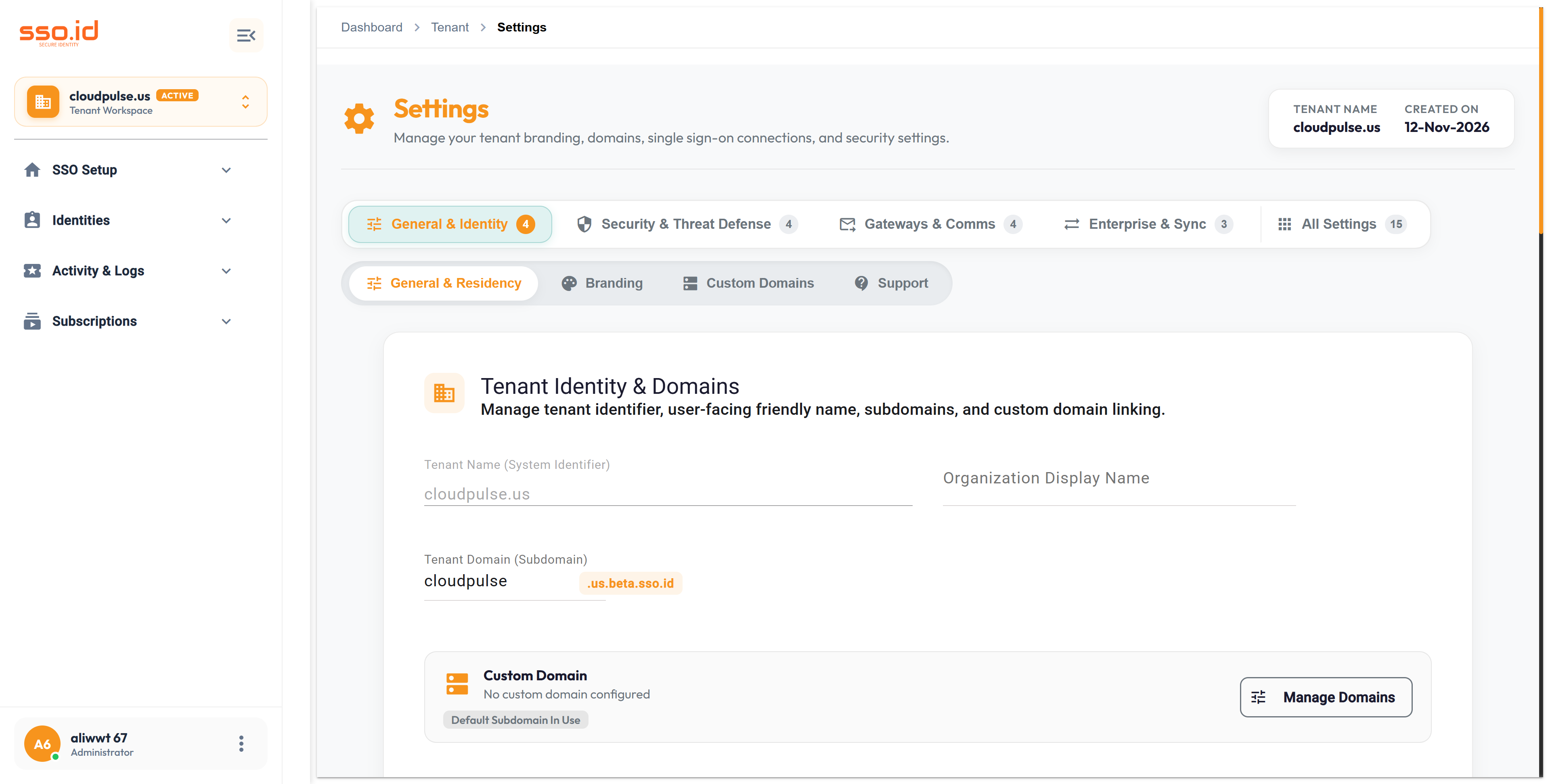
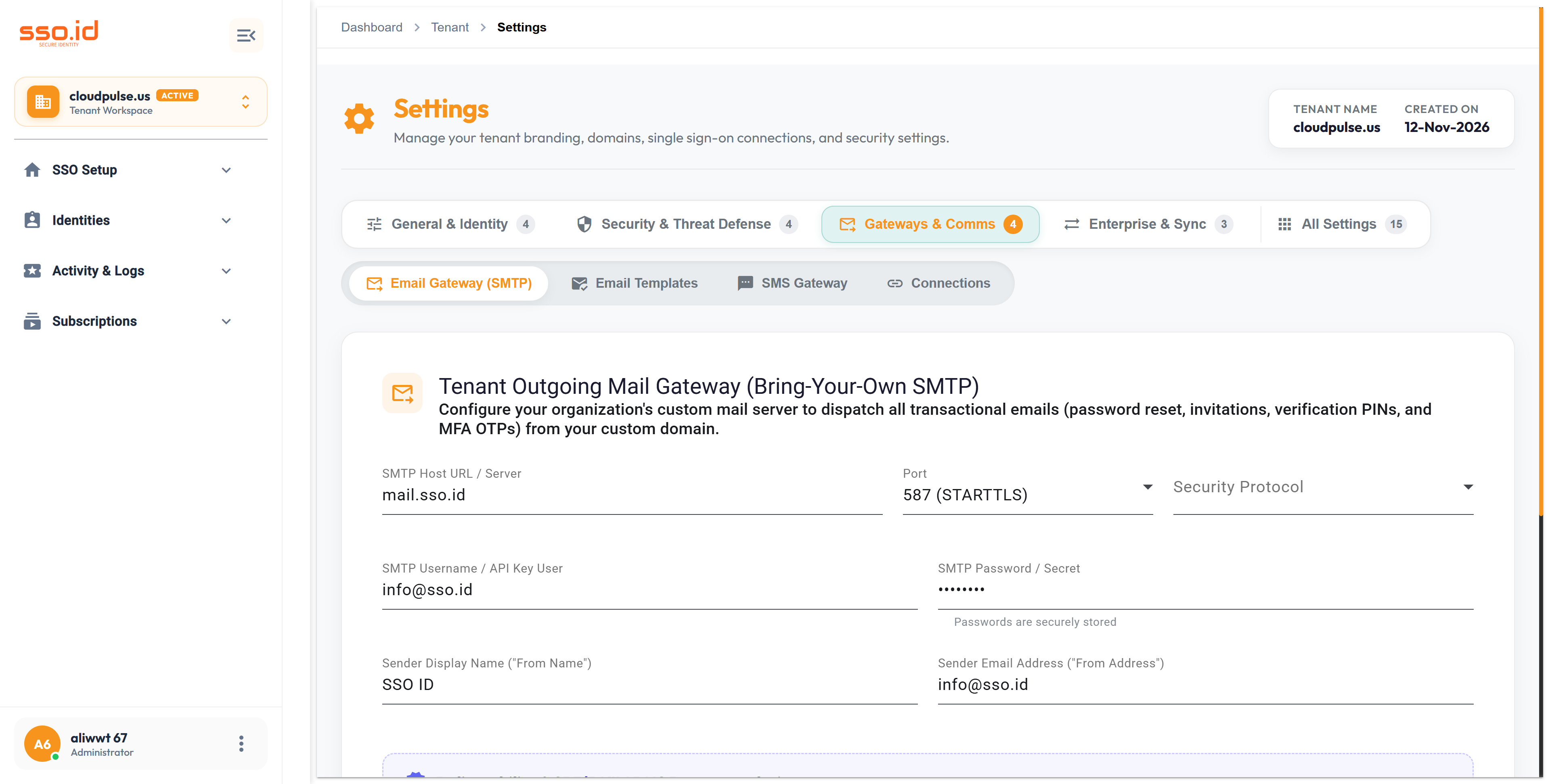
The General tab (/settings → General) defines your workspace identity, default regional data residency (US or EU), default language/timezone, registration mode (open self-registration vs. invite-only), disposable email blocking, and admin approval policies.
https://cloudpulse.us.beta.sso.id/settings Click to zoom
Tenant Settings — General & Data Residency tab.
2. Live Branding Studio & Account Page Layouts
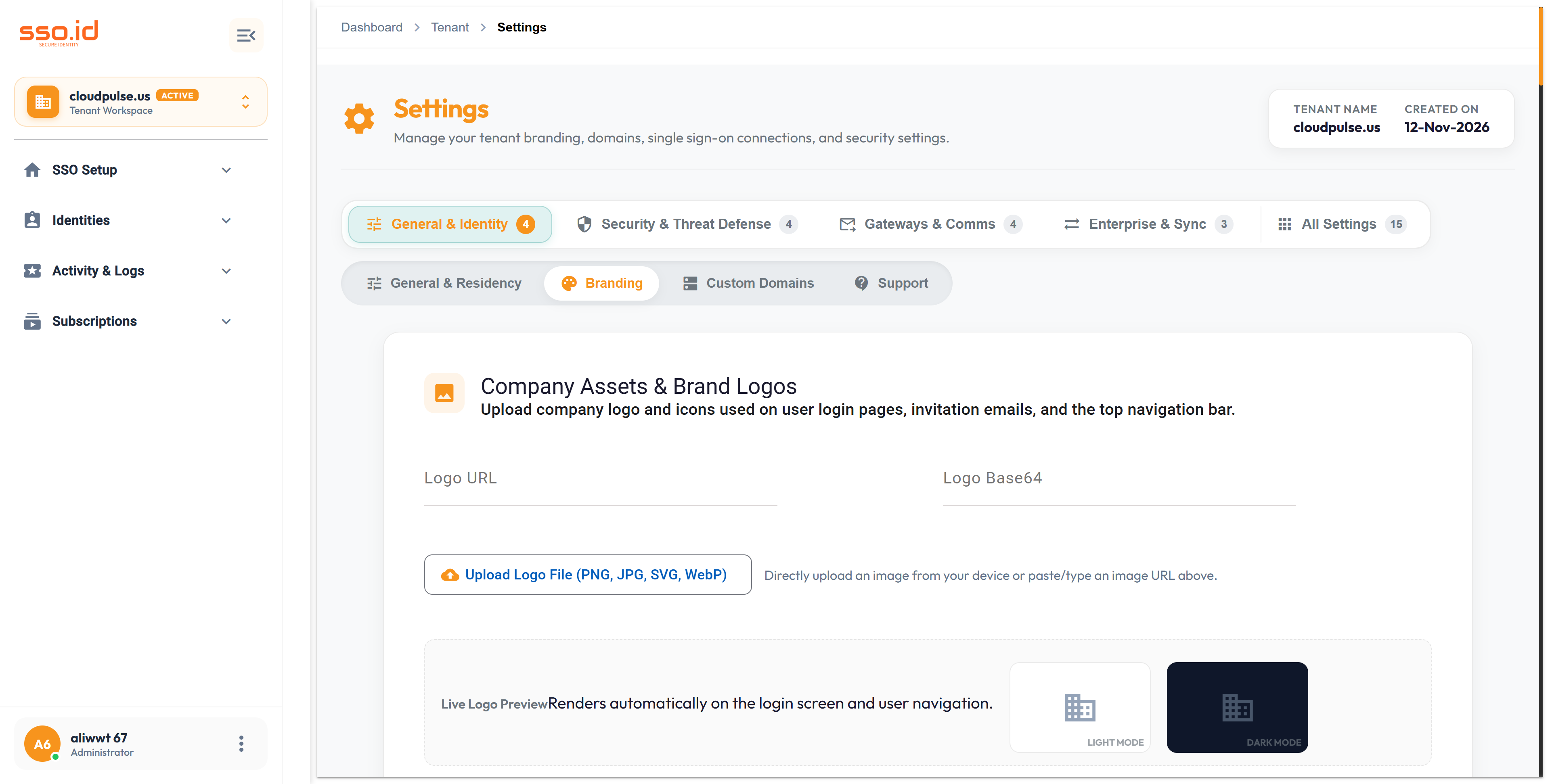
Open the Branding tab in /settings to customize the hosted authentication experience with a live side-by-side preview:
Account Page Layout Templates: Choose between Centered Card, Split-Screen Left, Split-Screen Right, or Full-Bleed Enterprise layouts, complete with promotional feature bullets, trust badges, and custom hero copy.
Visual Theme & Custom CSS: Configure Company Logo, Favicon, Primary/Secondary/Background Hex Colors, Border Radius, Dark Mode toggle, and Custom CSS stylesheet rules.
https://cloudpulse.us.beta.sso.id/settings Click to zoom
Tenant Settings — Branding Studio & Account Page Layout customizer.
3. 1-Click Custom Domains & Automated DNS Provisioning
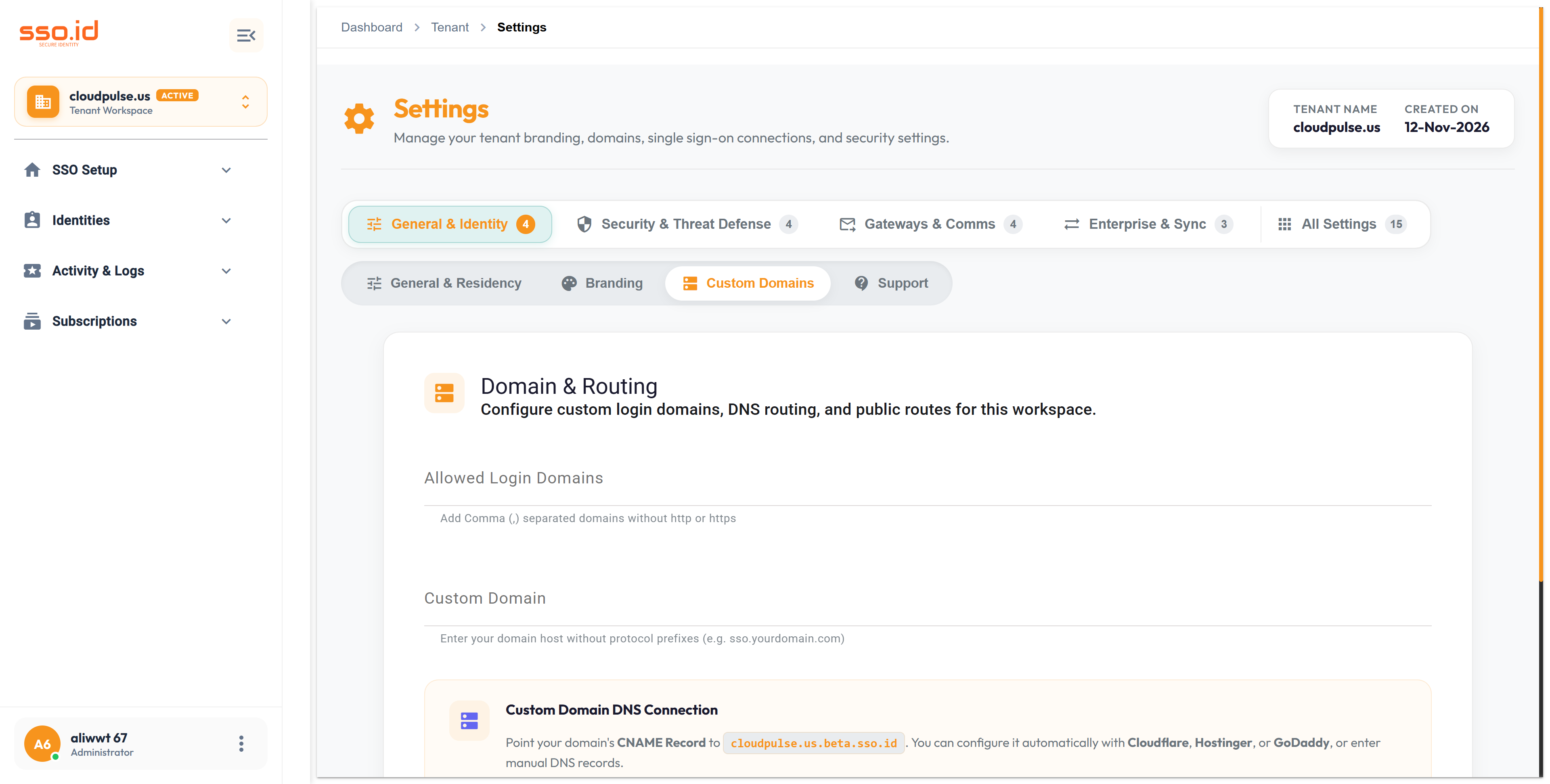
In /settings → Custom Domains, SSO.ID v2 eliminates manual DNS copy-paste errors with automated provider detection:
1
Automatic DNS Provider Detection (POST /api/settings/tenant/detect-dns-provider)
Enter your desired custom domain (e.g., auth.yourcompany.com). SSO.ID queries global nameservers in real time and detects whether your domain is hosted on Cloudflare, GoDaddy, Hostinger, Namecheap, or a custom registrar.
Click Auto-Connect for Cloudflare, GoDaddy, Hostinger, or Namecheap (or add the displayed CNAME record manually) and click Verify Domain (POST /api/settings/tenant/verify-domain) to provision managed TLS/SSL certificates automatically.
https://cloudpulse.us.beta.sso.id/settings Click to zoom
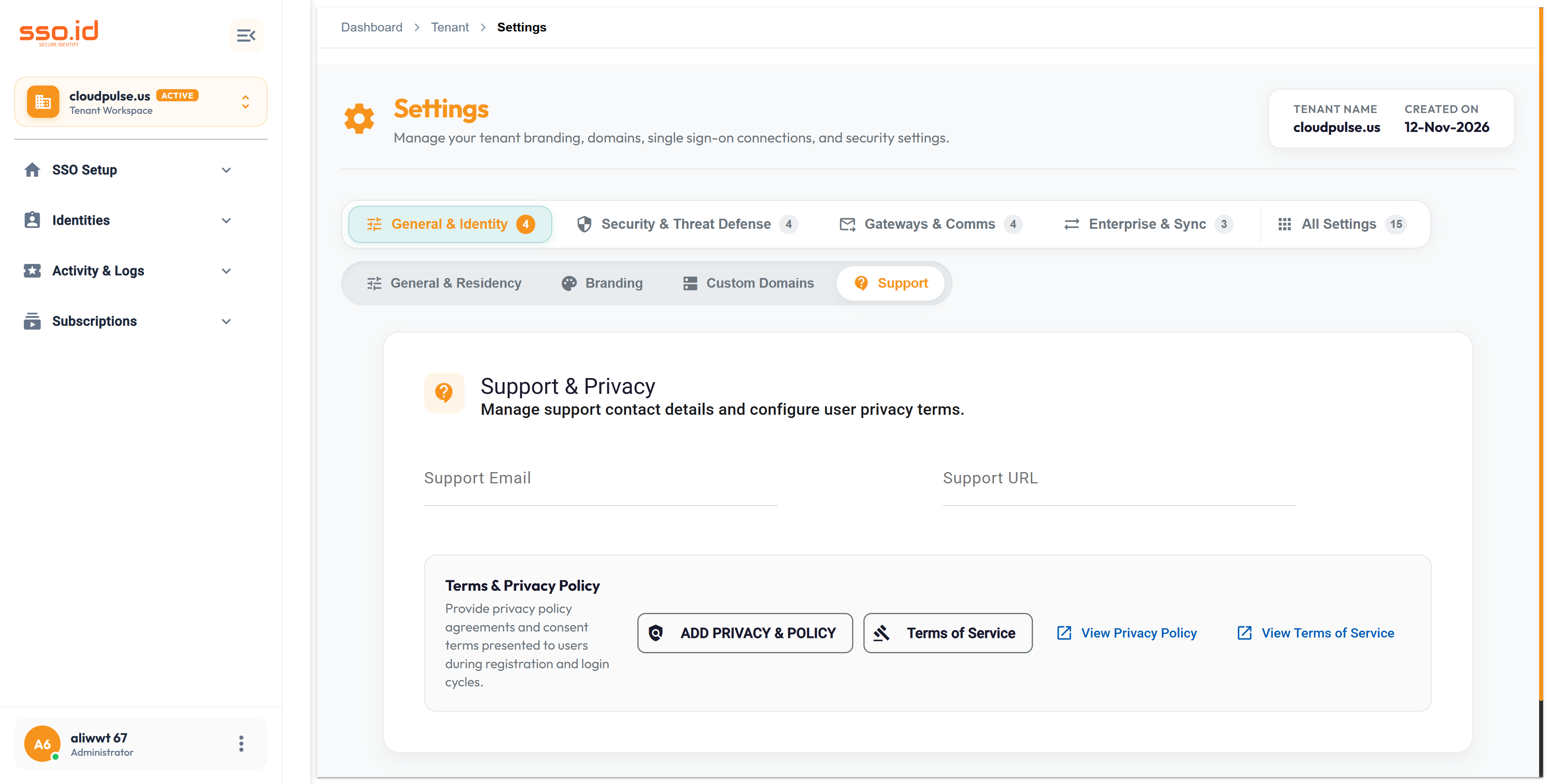
Under Support, configure the tenant's public Support Email, Help Center URL, Privacy Policy URL, and Terms of Service URL displayed on hosted login, consent, and error pages.
https://cloudpulse.us.beta.sso.id/settings Click to zoom
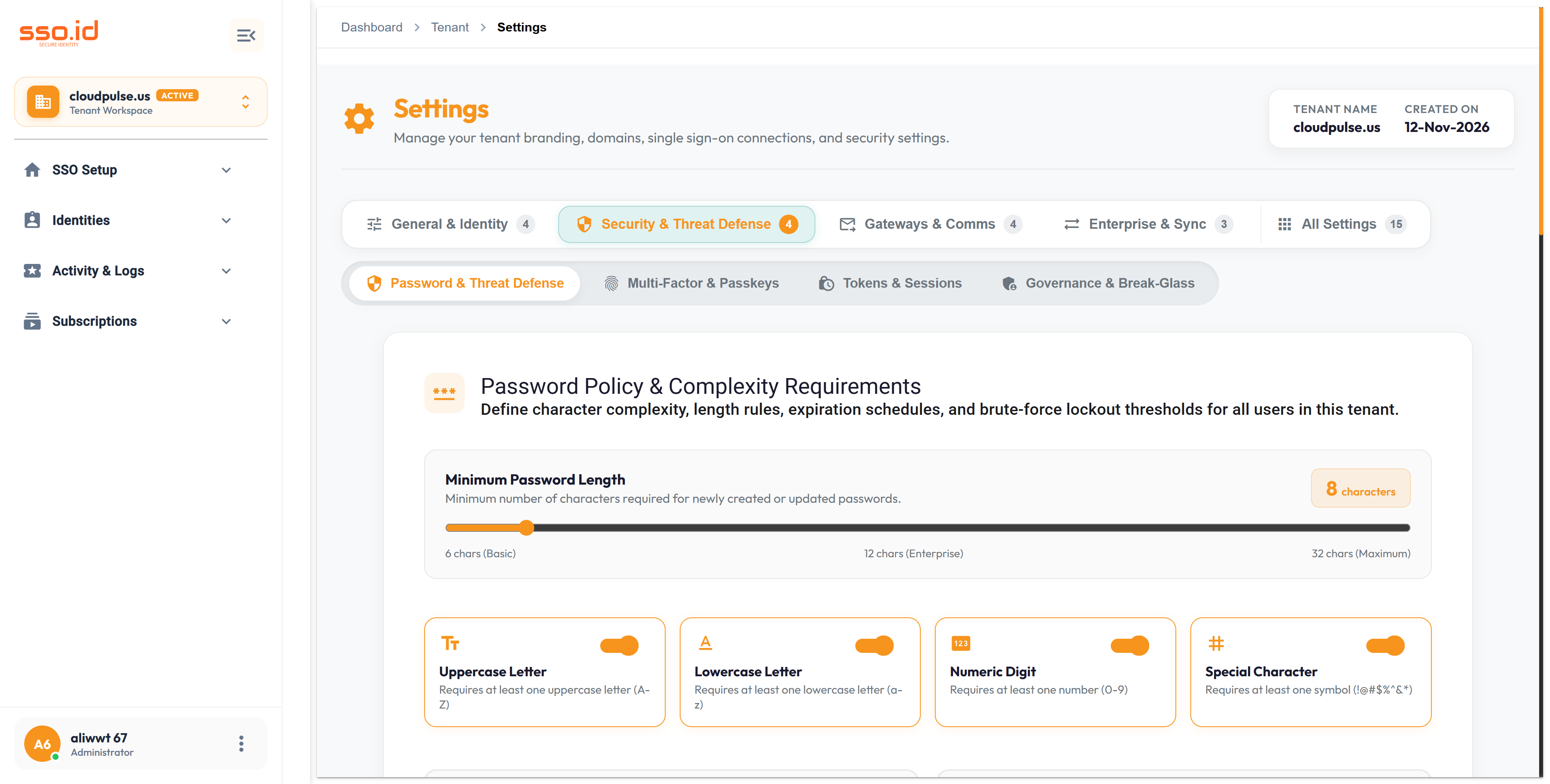
Configure minimum password length (6–128), uppercase/lowercase/digit/special character requirements, password history reuse prevention, expiration days, and brute-force account lockout (maxFailedLoginAttempts, lockoutDurationMinutes).
IP Allowlist/Blocklist & Country Geofencing
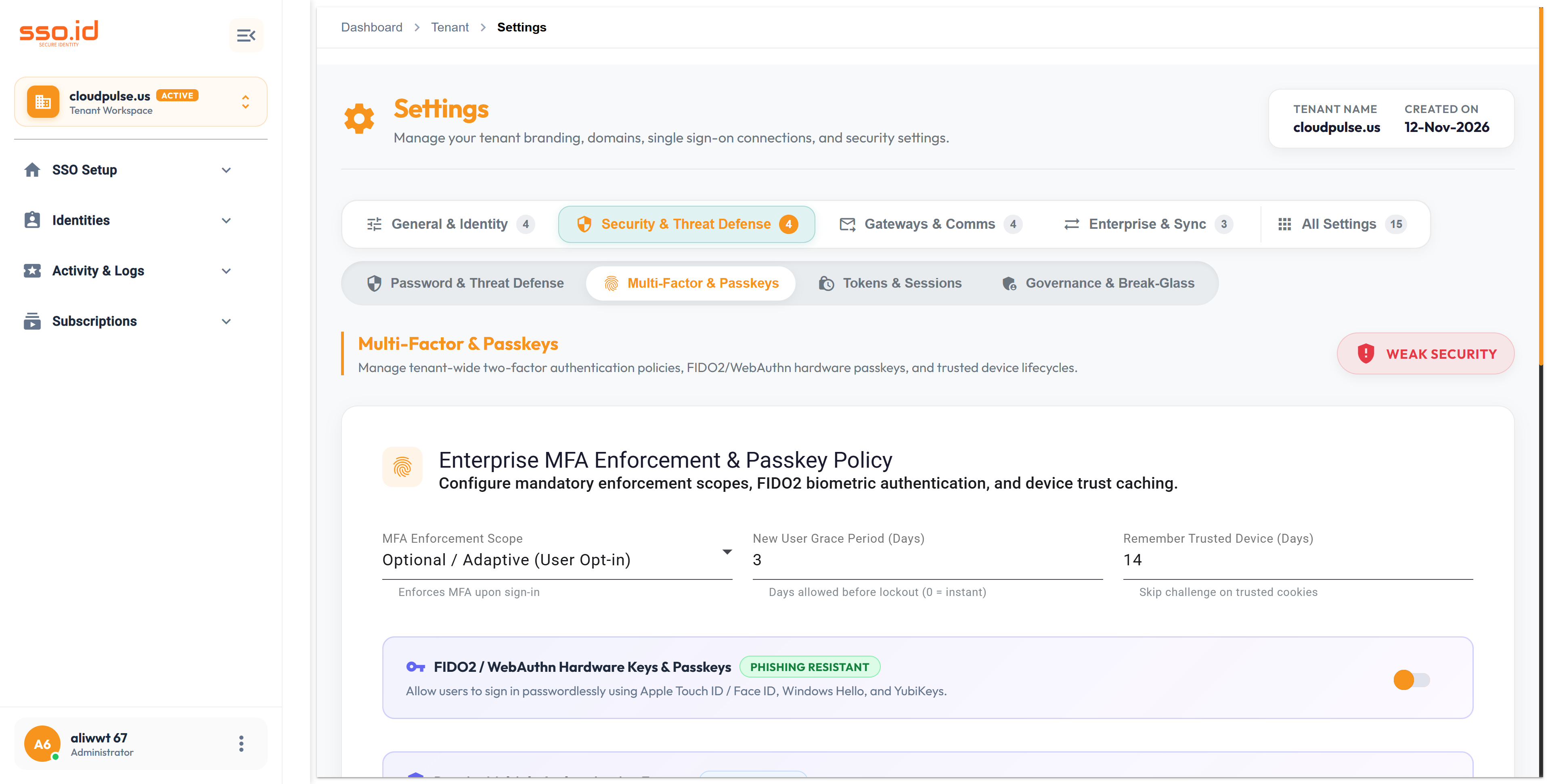
Define CIDR IP allowlists/blocklists, Admin Console IP allowlists, and Country-level Geofencing rules (Allow-Only or Block-Selected ISO country codes) along with Impossible Travel anomaly detection.
https://cloudpulse.us.beta.sso.id/settings Click to zoom
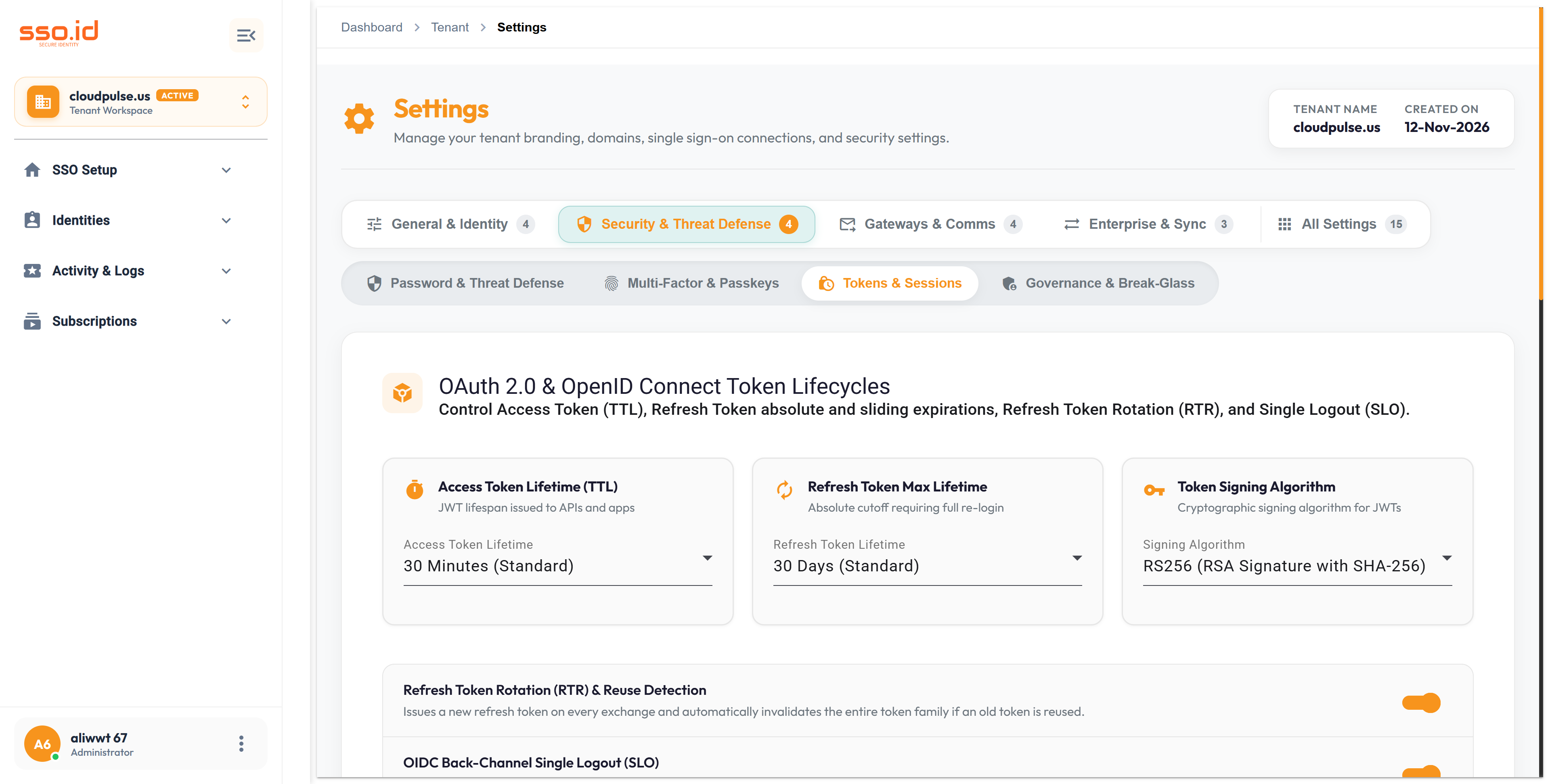
Under Tokens & Sessions, configure default Access Token lifetime (minutes), Refresh Token lifetime (days), Refresh Token Rotation, Single Logout (SLO), signing algorithm (RS256/ES256), idle timeout, maximum session hours, single active session enforcement, and forced logout on password change.
https://cloudpulse.us.beta.sso.id/settings Click to zoom
Tenant Settings — Tokens & Session Lifetimes tab.
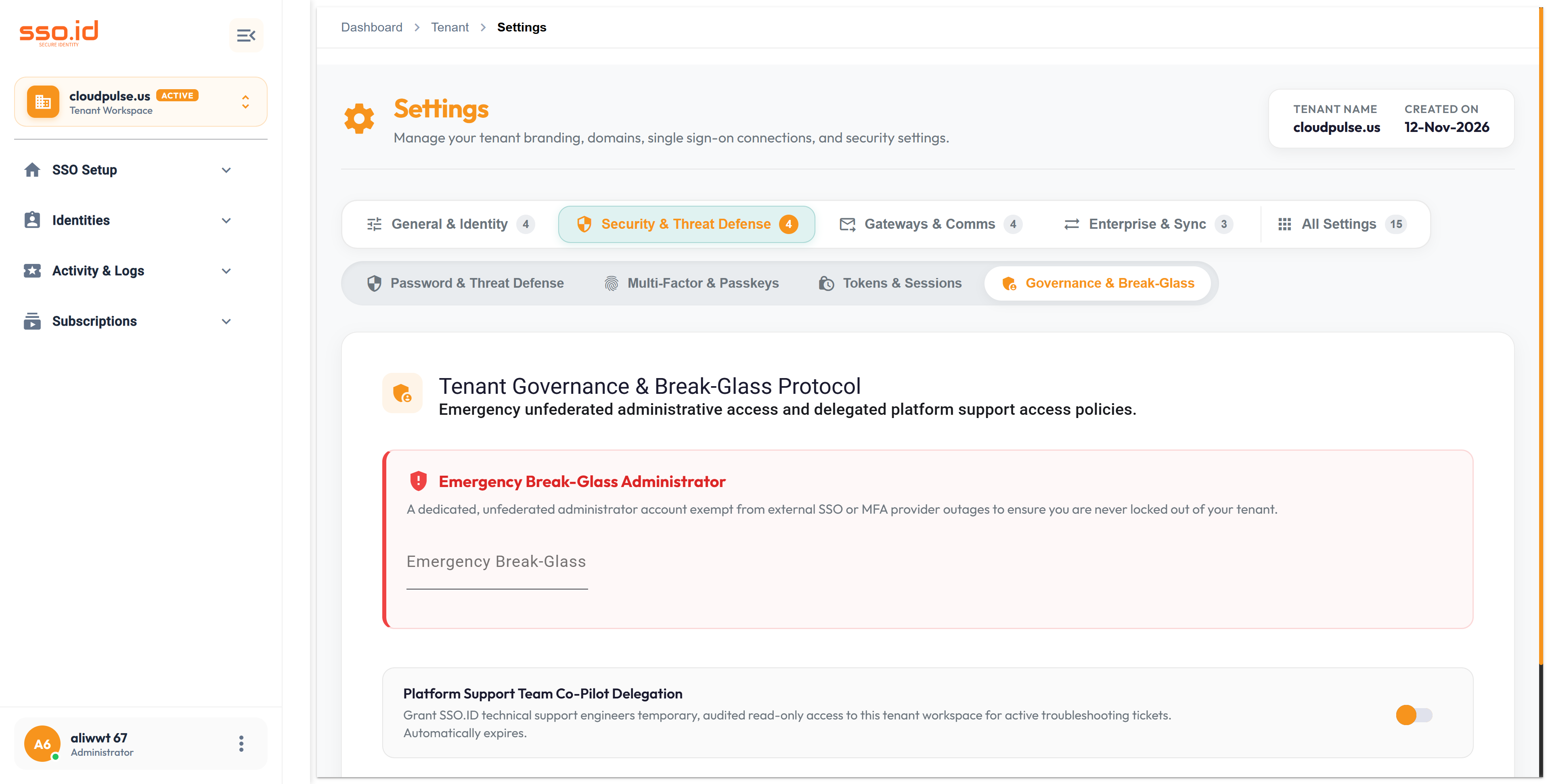
8. Governance & Break-Glass Emergency Access
Configure a Break-Glass Emergency Administrator email (exempt from geofencing/IP restrictions during an outage) and issue time-bound, revocable Support Access Delegation Tokens (POST /api/settings/tenant/governance/support-token) when granting temporary vendor troubleshooting access.
https://cloudpulse.us.beta.sso.id/settings Click to zoom
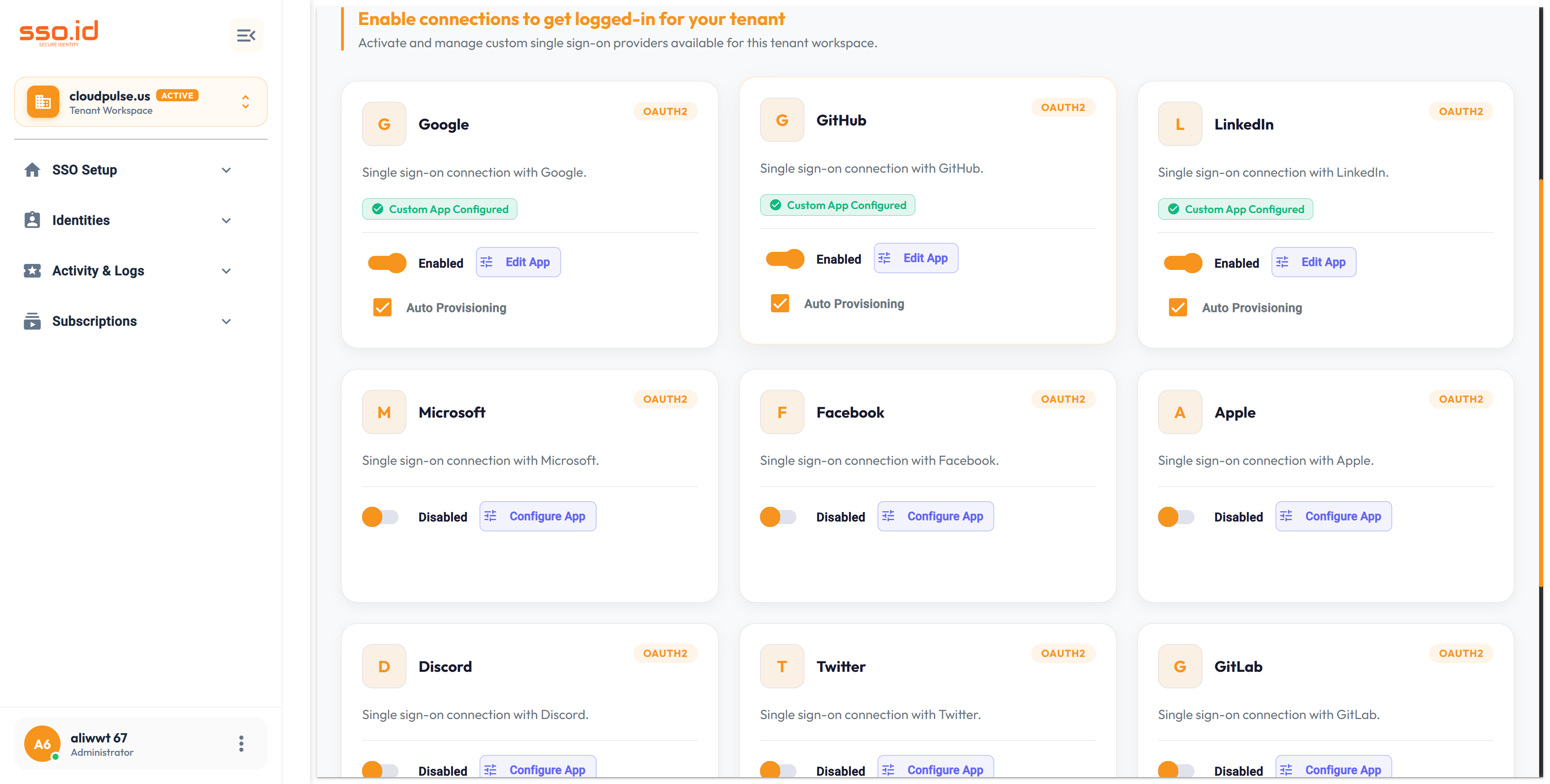
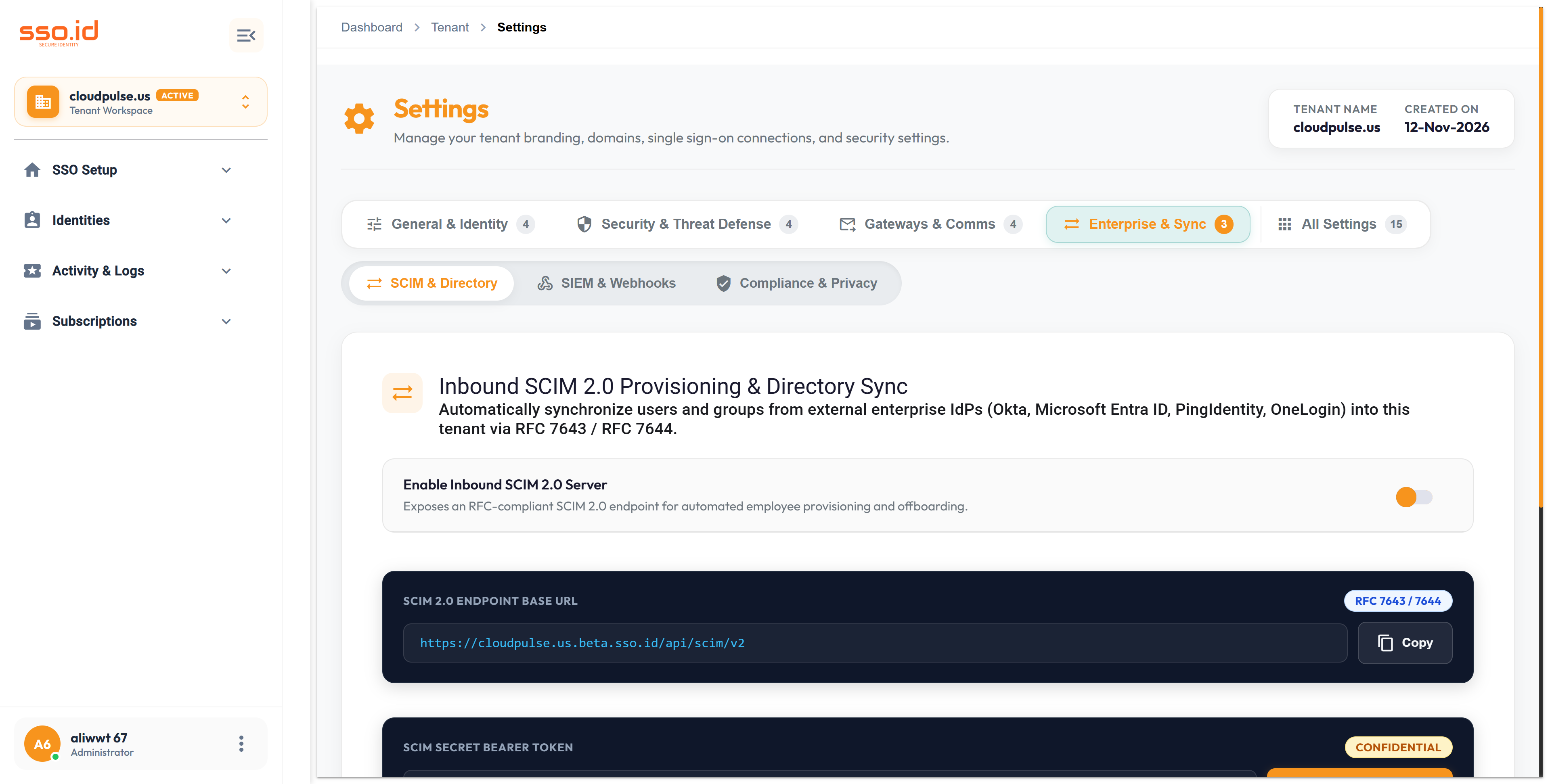
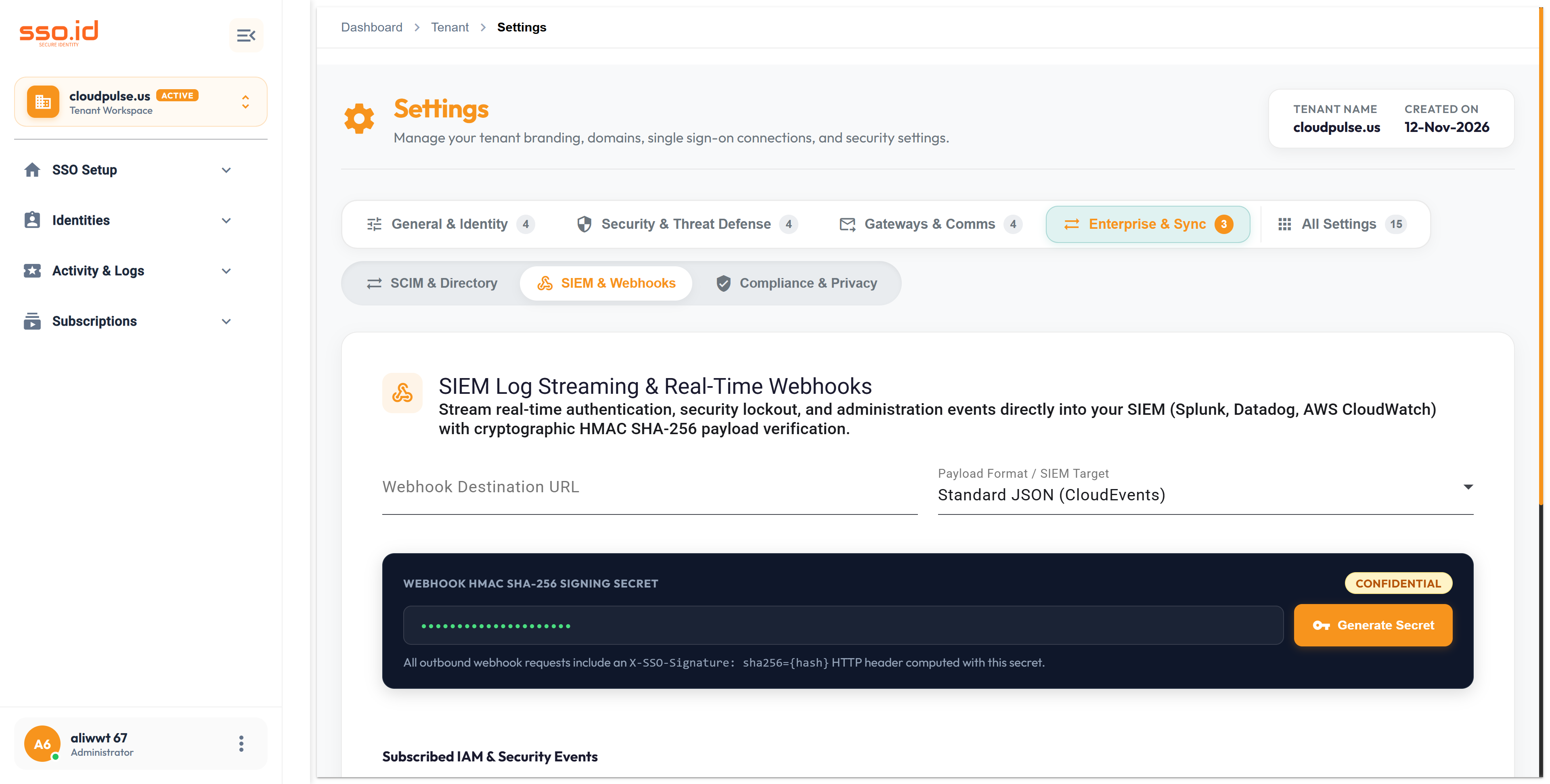
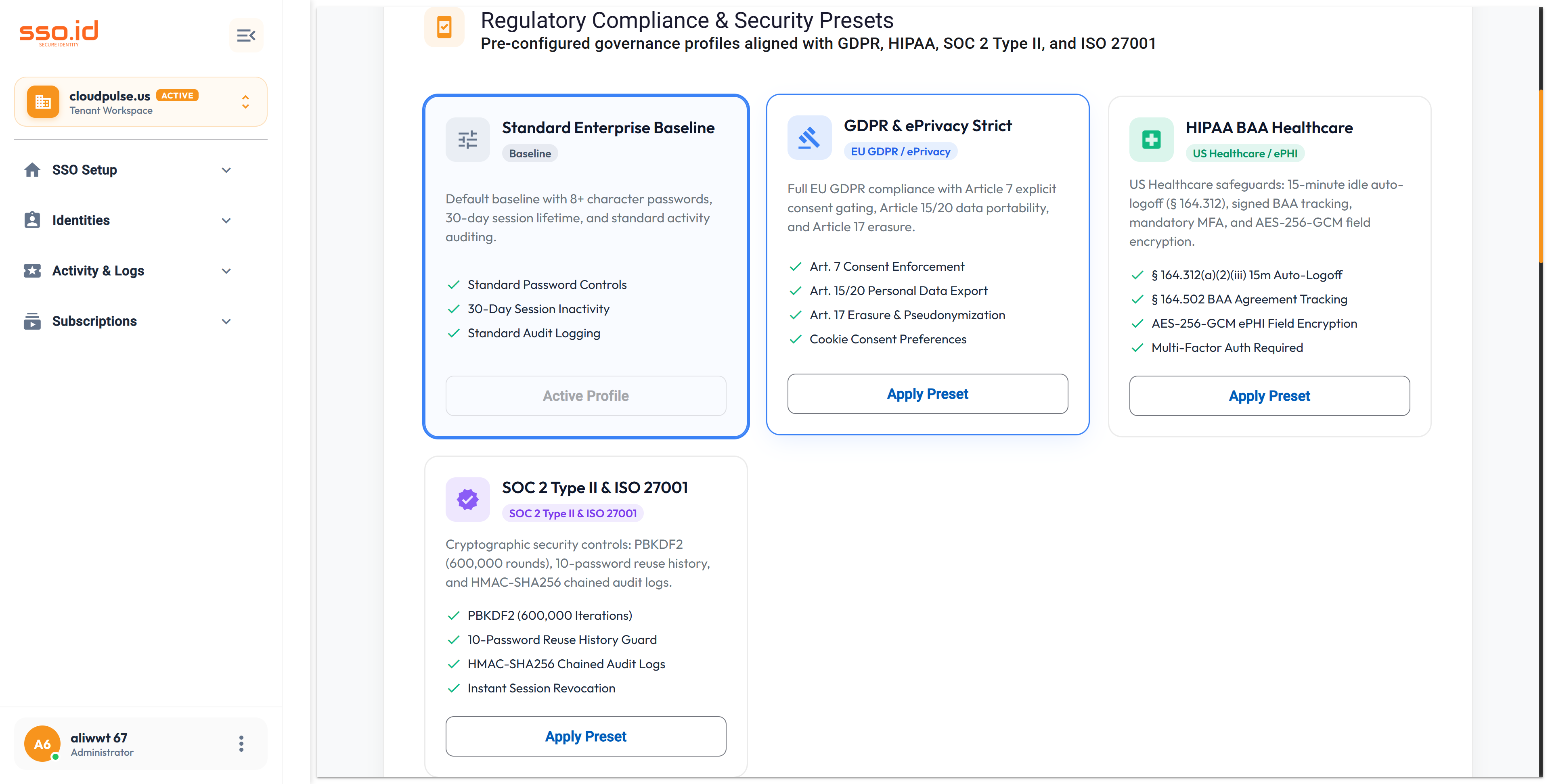
The Enterprise & Sync group provides directory automation, real-time event streaming, and turnkey regulatory compliance:
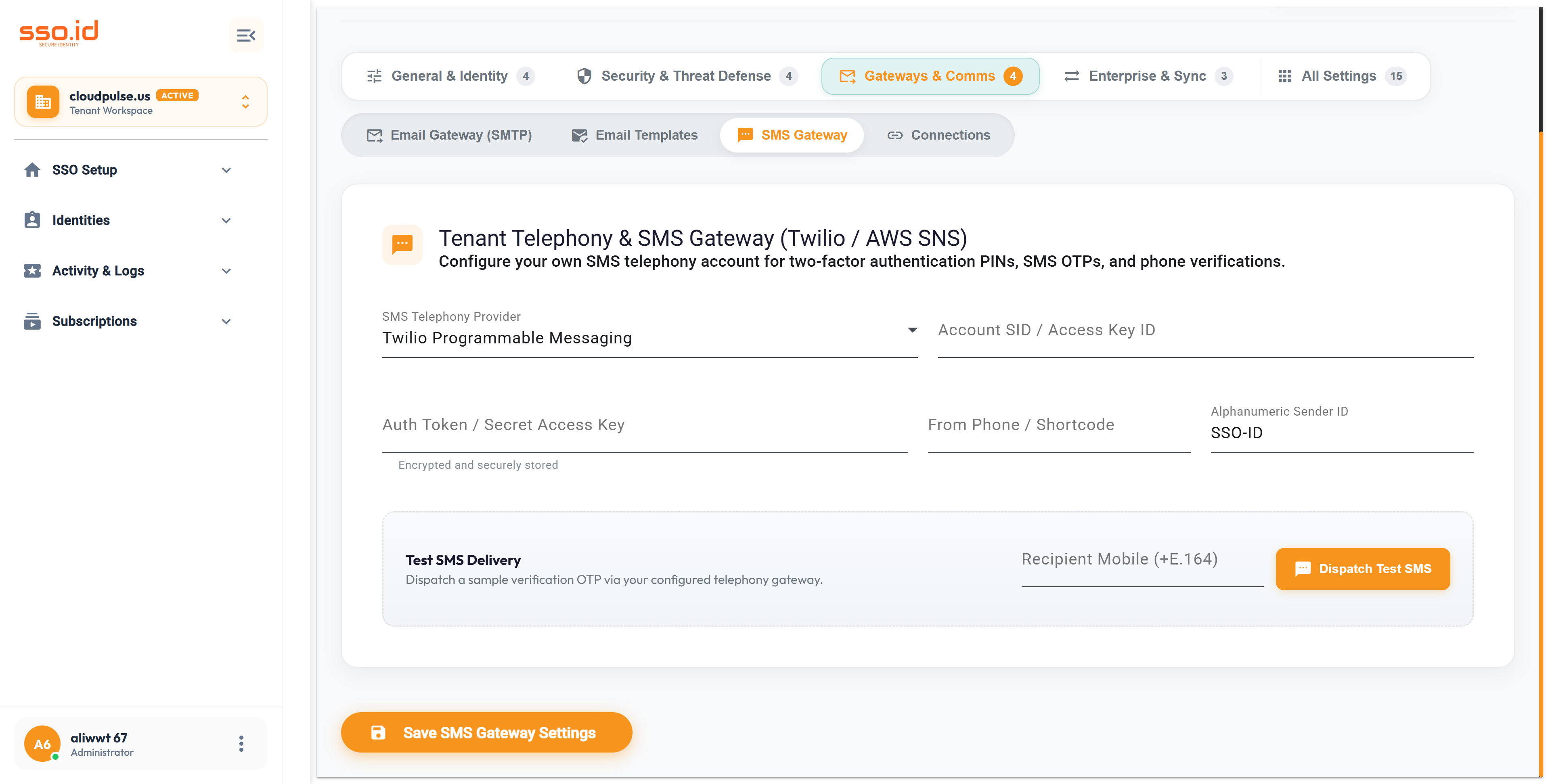
SCIM & Directory (POST /api/settings/tenant/scim/token): Generate bearer tokens and copy your RFC 7644 SCIM 2.0 endpoint for Okta, Microsoft Entra ID, or Ping Identity.
SIEM & Webhooks (POST /api/settings/tenant/webhook/test): Register webhook receivers with HMAC signing secrets to stream login, user, and security events in real time.
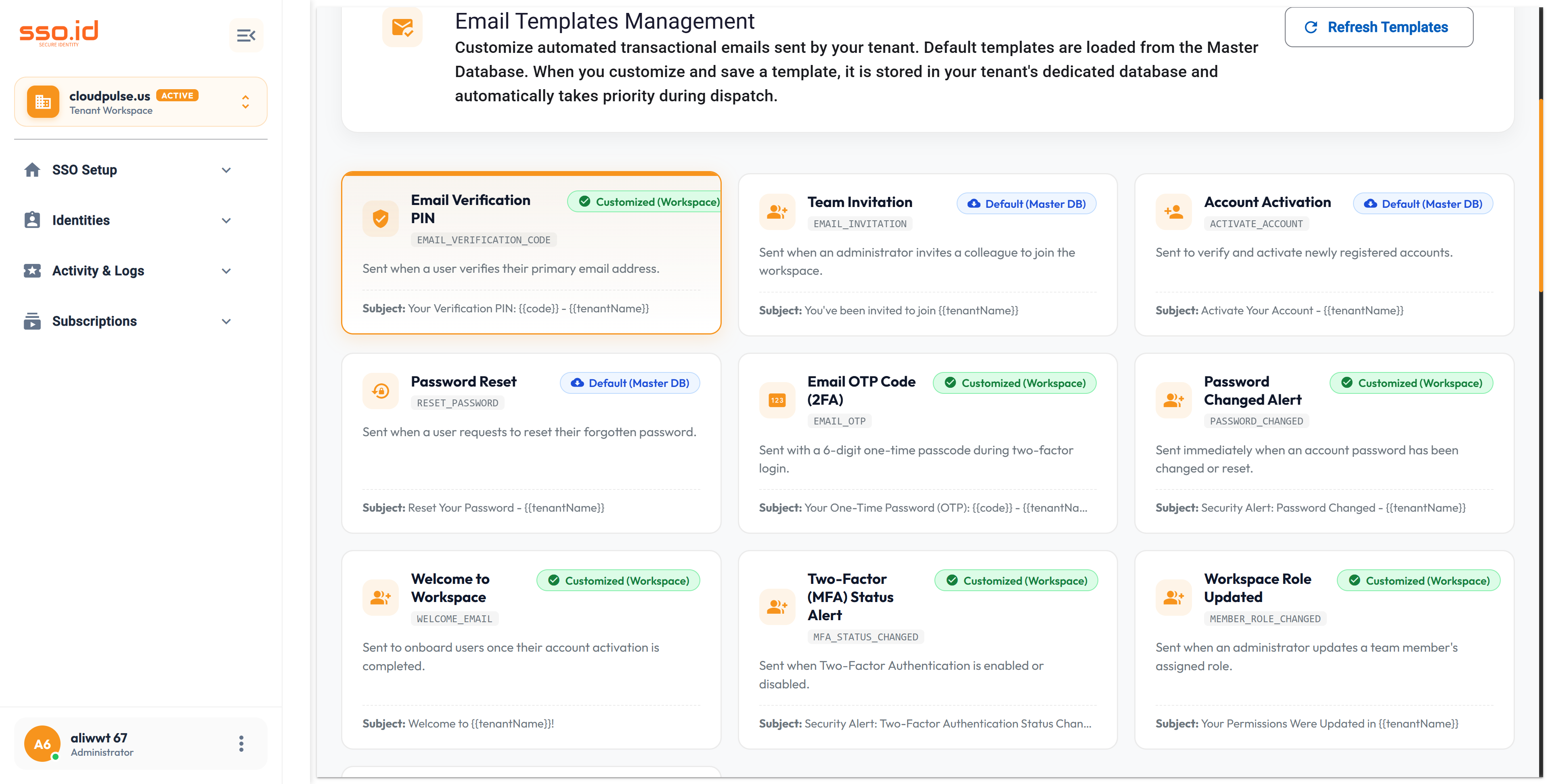
Compliance & Privacy (POST /api/compliance/apply-preset): Apply 1-click Standard, GDPR, HIPAA BAA, or SOC 2 Type II & ISO 27001 presets, manage PII retention/log purging, countersign a HIPAA BAA, and monitor your real-time Compliance Readiness Scanner.
Workforce HRIS/IdP changes sync over SCIM 2.0 into the tenant directory, record tamper-evident SHA-256 audit logs, and stream HMAC-signed webhooks to your SIEM.
https://cloudpulse.us.beta.sso.id/settings Click to zoom
Auto-detects DNS registrar for a custom domain (POST .../auto-connect/{cloudflare|godaddy|hostinger|namecheap} connects it; POST .../verify-domain verifies CNAME).
You are a cloud infrastructure & DevSecOps engineer. Write an Infrastructure-as-Code / provisioning script targeting **SSO.ID v2** (`https://{your-tenant}.sso.id/api`) that:
1. Creates a new isolated Tenant workspace in the `EU` or `US` region via `POST https://{your-tenant}.sso.id/api/tenant-management`.
2. Applies the `soc2` and `gdpr` regulatory security presets via `POST https://{your-tenant}.sso.id/api/compliance/apply-preset`.
3. Updates tenant branding, password complexity, and IP/Country geofencing via `PUT https://{your-tenant}.sso.id/api/settings/tenant`.
4. Detects the DNS provider (`POST /api/settings/tenant/detect-dns-provider`) and verifies the custom login domain (`POST /api/settings/tenant/verify-domain`).